Define the Theme Color for Safari 26
tl;dr
On Safari 26 on MacOS/iOS/iPadOS 26 the theme color for the browser UI is either taken from the site’s body background color or from a position-fixed element at the very top of the page with a background-color if there is one. theme-color meta tag and theme_color manifest member do not affect the browser theme color.
→ Here’s a demo ←
If you are using Safari 26 on MacOS/iOS/iPadOS 261 you might have noticed that on some websites, the browser’s chrome (the UI containing the URL bar, back buttons, tabs etc) has a solid background color matching the page colors. My colleague Marc and I tried to find out how that is defined and embarked on a journey that was longer than expected.
Say good-bye to theme-color 👋
In the past, the Theme-Color meta tag was used for that, at least in certain scenarios (like iOS fullscreen “PWAs”, or in other browsers like Vivaldi). But, this meta tag was dropped with Safari 26.
Back to Safari 26
So, if theme_color is not what is used on Safari to define the header background color, what is?
I went inspecting a few websites where Safari colorizes the header:
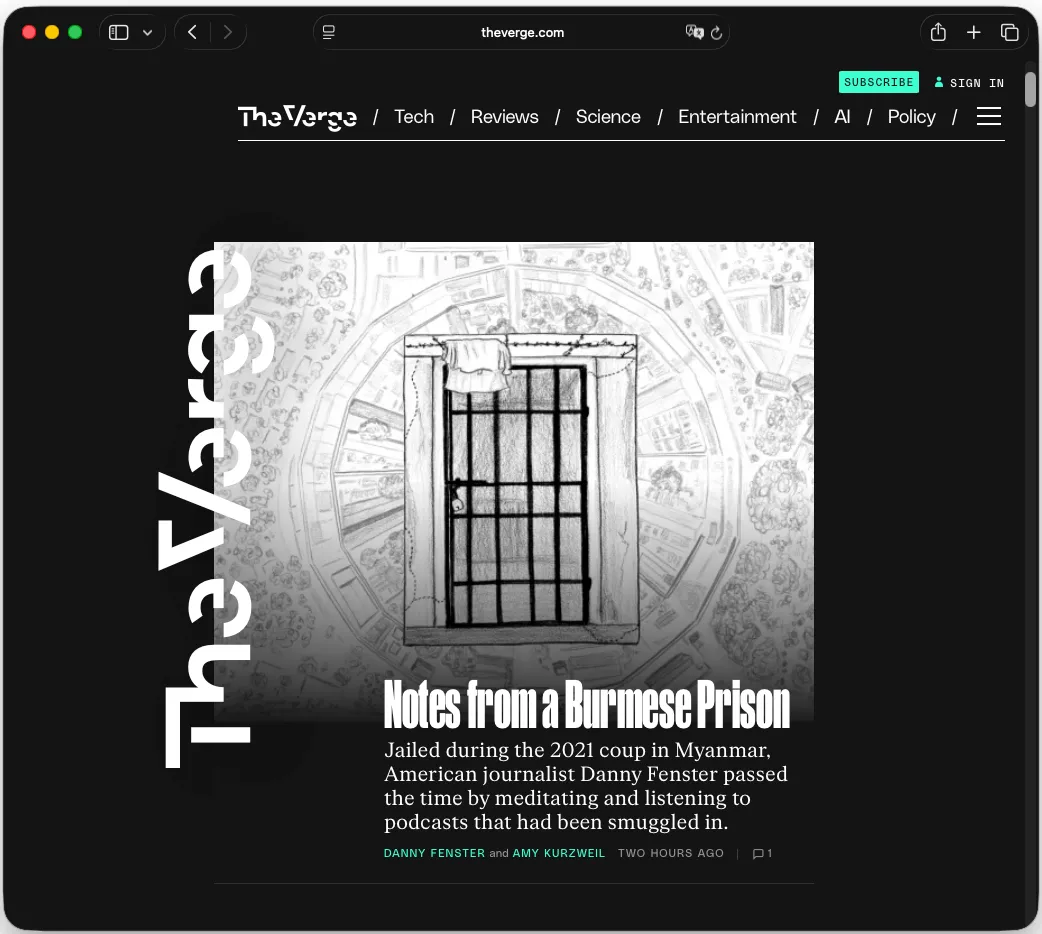
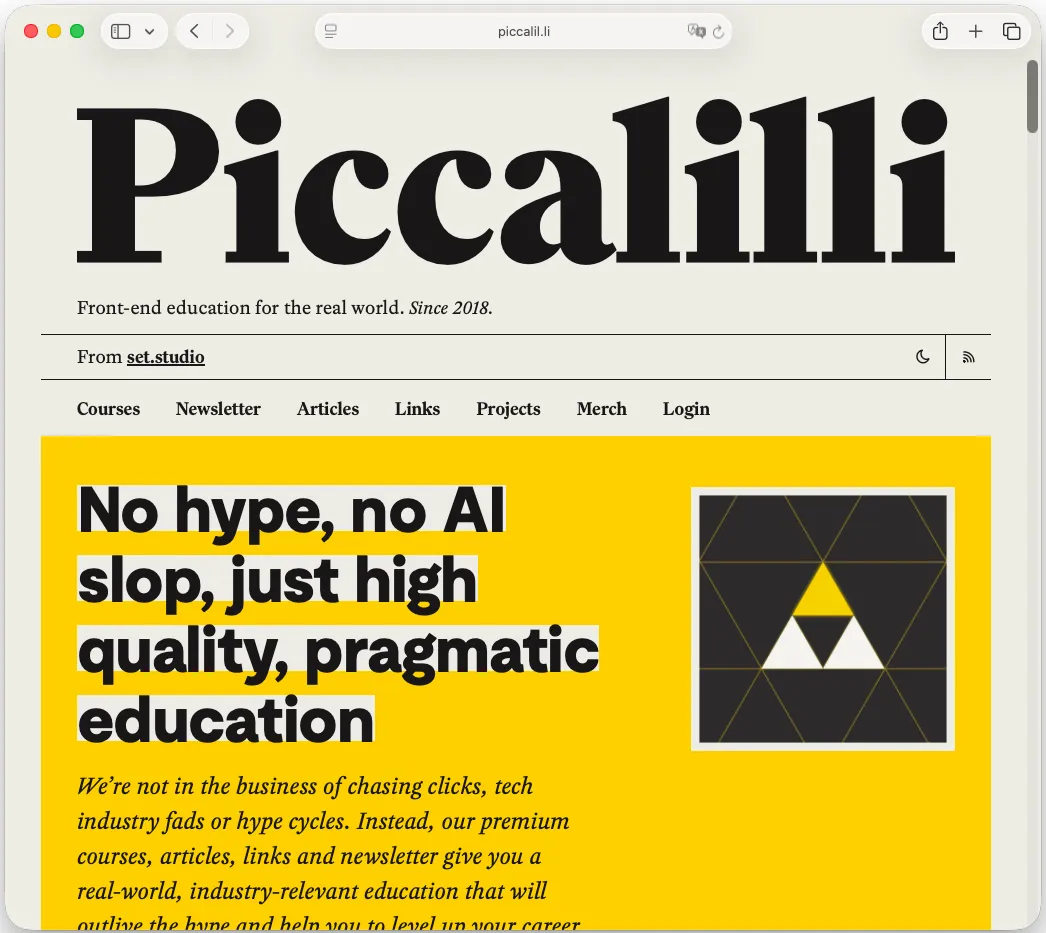
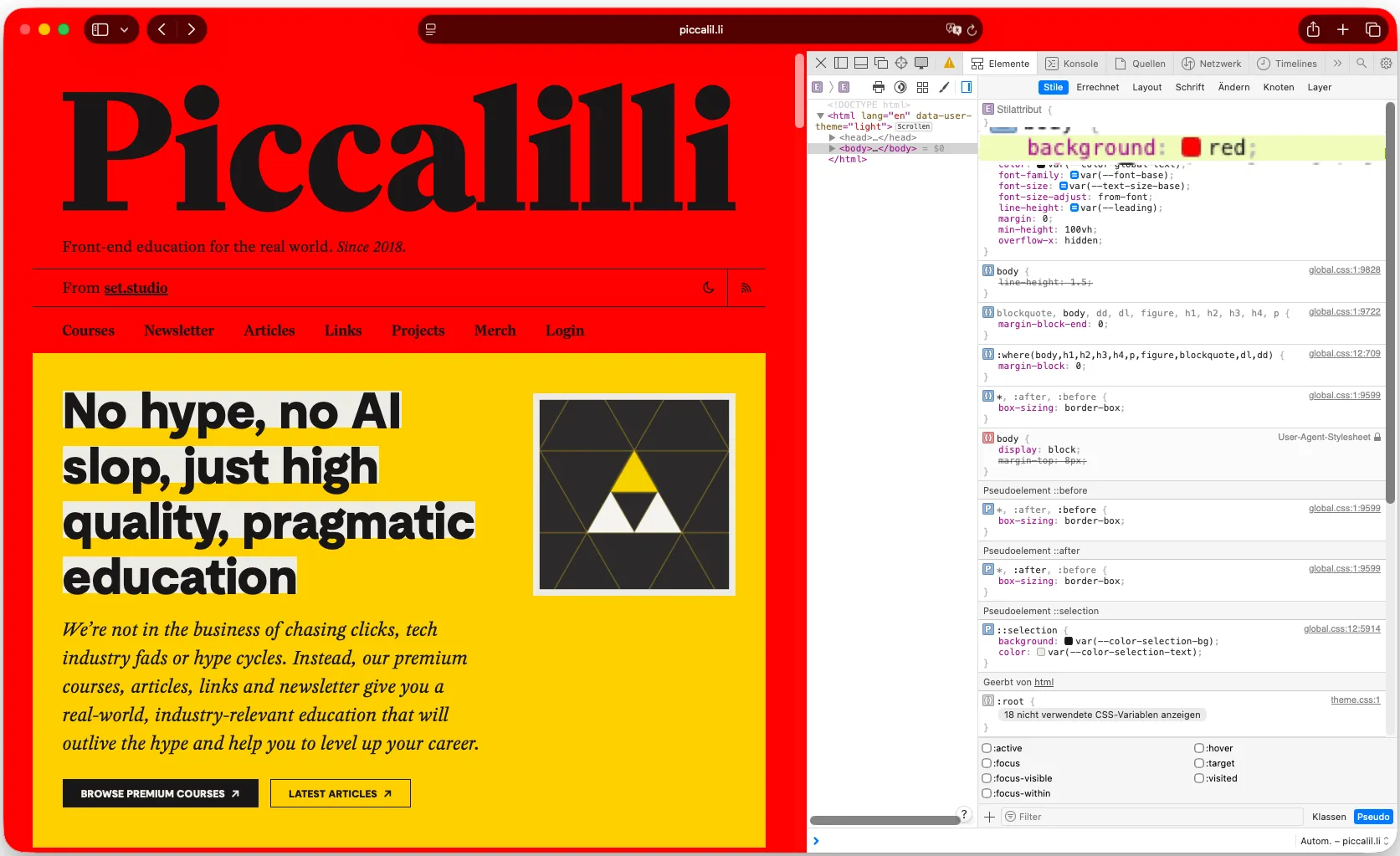
I found a similarity: Safari simply uses the background color of the <body> element. You can even change the background color using Safari Dev Tools and see the changes reflected in the browser UI.
I thought I cracked the case, but alas – I was wrong. As it turns out there are other websites where Safari clearly does not simply use the body background-color. Check out ankerbrot.at for example:
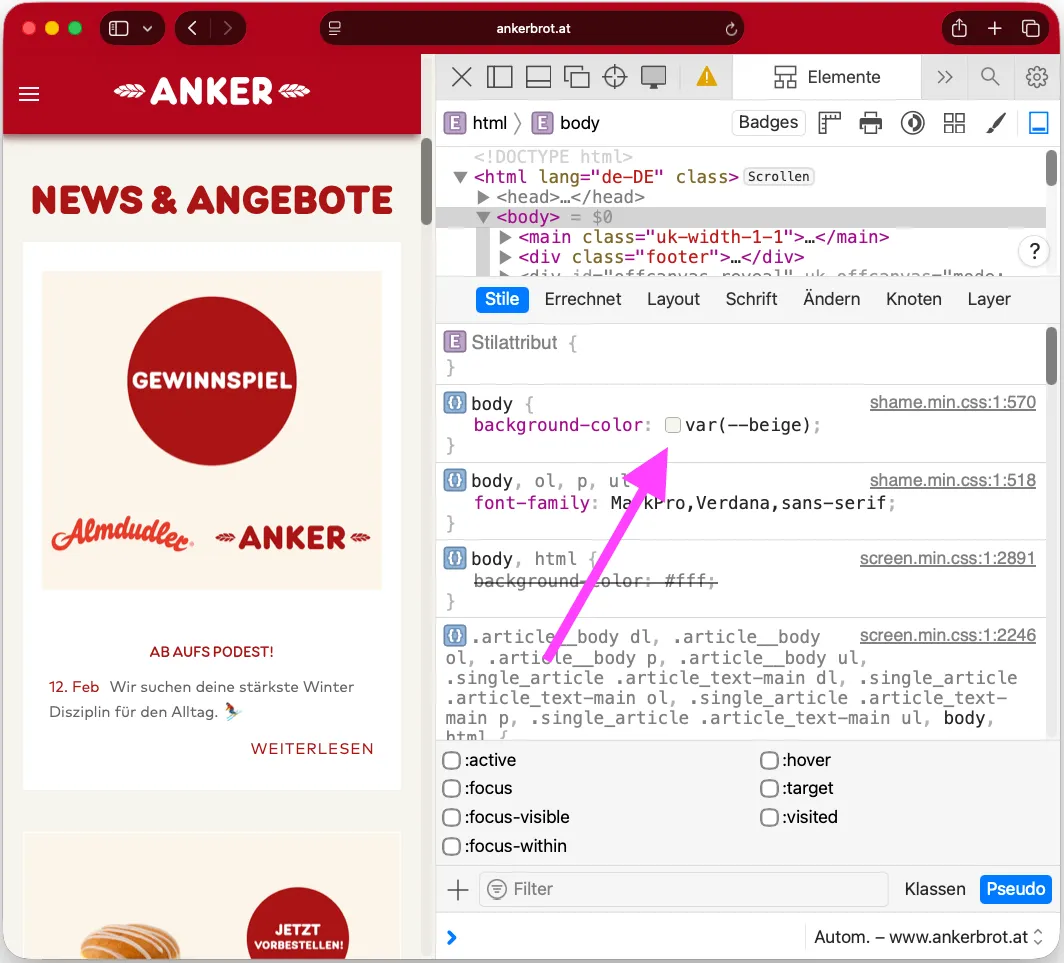
The <body> background is beige, the site’s page header is dark red and so is the browser chrome! What is going on?
The answer (simplified)
After some more digging I think the rules Safari applies for its colorized chrome are:
- take the page’s
<body>background-color, except when - the page has a
position: fixedelement with a background-color at the very top* of the page
* in the sense of block-direction start
This fixed element must be 100% wide and have a minimum height of 6px for Safari to accept it as the base color for it’s chrome. Position: sticky does not count.
Applying a custom theme-color
Based on these two observations, I tried to trick the browser into appling a custom color even though the site I’m working on does not have a fixed header nor a desirable background color for this use-case. I just needed to find a way to hide the 6px-high fixed element for users while Safari still accepts it for it’s chrome color.
After more experimentation, here’s a list of declarations that cause Safari to not accept the fixed element to colorize the browser.
opacity: 0visibility: hiddendisplay: nonez-index: -1scale: 0transform: scaleX(-100%)transform: translateX(-100%)clip: rect(1px, 1px, 1px, 1px)zoom: 0.000001translate: 0 0 -1px(as suggested by Ana Tudor – thanks!)
I ran out of options to hide an element for users while still have it visually ready for the browser’s magic.
Scroll-driven animations to the rescue
I did not care if the element is visible on page load/when scrolled to the very top, we can safely hide it below the “real” header using z-index. But as soon as the user scrolls down, we need to hide the element. Turns out, this is easy to achieve with scroll-driven animations.
.custom-theme-color {
  position: fixed;
  top: 0px;
  background-color: #bada55;
  height: 6px;
  width: 100%;
  animation-name: hide-on-scroll;
  animation-timeline: scroll();
  animation-fill-mode: both;
  animation-range-start: 10px;
  animation-range-end: 11px;
  animation-duration: 0.1s;
  z-index: 1; /* make sure this is lower than the actual header z-index */
}
@keyframes hide-on-scroll {
  0% {
    transform: translateY(0);
  }
  100% {
    transform: translateY(-100px);
  }
}
Previously, the rule for
.custom-theme-colordid not includeanimation-range. Bramus suggested to add a range for a more concise@keyframesrule – thank you! This way, the theme-color defining element is only visible if the scroll position is within the top 10px (play around with that value depending on your layout). (added on 2026-03-03).
With this solution, the .custom-theme-color element is moved out of the viewport as soon as user starts scrolling while Safari still accepts the background color for the primary color of the browser chrome.
Another interesting observation: if you add a border-bottom to the fixed element, Safari will take that color instead of the background of the element. 🤷
→ Here’s the link to the demo again, if you want to play around with it (Safari 26 required to see the effect).
Disclaimer and Caveats
The solution breaks (i.e. no theme color in the browser) if the page is reloaded at a different scroll position than “top”. Maybe an interactive (JS-based) solution would be better suited, but I wanted to solve it with CSS only.
Also, this would need a check if scroll animations are supported – if not, the element should be hidden right away.
We do not use this in production and a possible production-ready solution needs more testing (especially on iOS).
- Edited on 2026-02-28: Added translate declaration as suggested by Ana Tudor, see applying-a-custom-theme-color. Added more specific OS versions, as Curtis Wilcox pointed out Safari 26 on MacOS 15 does not apply page colors to it’s chrome, see footnote. Added a disclaimer about checking for browser support.
- Edited on 2026-03-03: Improved the CSS rule for the
.custom-theme-colorto includeanimation-rangeas suggested by Bramus, see Scroll-driven animations to the rescue