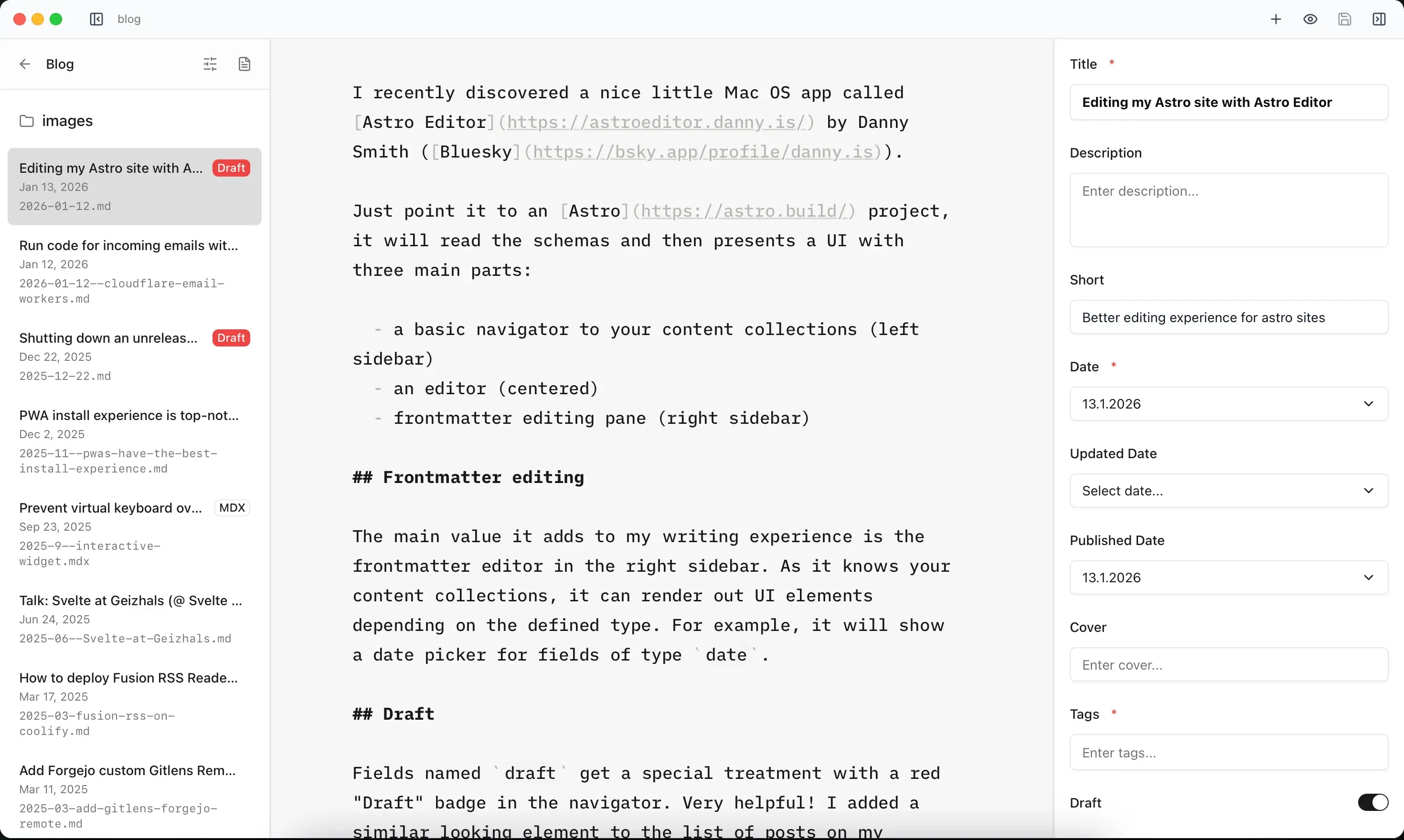
Editing my Astro site with Astro Editor
I recently discovered a nice little Mac OS app called Astro Editor by Danny Smith (Bluesky).
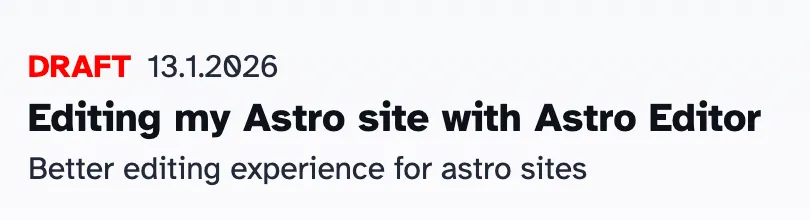
Just point it to an Astro project, it will read the schemas and then presents a UI with three main parts:
- a basic navigator to your content collections (left sidebar)
- an editor (centered)
- frontmatter editing pane (right sidebar)
Frontmatter editing
The main value it adds to my writing experience is the frontmatter editor in the right sidebar. As it knows your content collections, it can render out UI elements depending on the defined type. For example, it will show a date picker for fields of type date.
Draft
Fields named draft get a special treatment with a red “Draft” badge in the navigator. Very helpful! I added a similar looking element to the list of posts on my website while developing, so that I can spot drafts easily.
Writing
The writing area in the center is – in their own words – inspired by iA Writer. After using it for a while, my verdict is: it’s mostly fine, but could benefit from font-size controls (cmd-plus/cmd-minus) and better contrast. But in general I like it and find mostly enjoyable.
You can even drag and drop images from the filesystem into the editing view and move the file to a defined location, but will always insert it at the cursor – so make sure to place the cursor on the correct spot before inserting an image.
Progress
It seems Astro Editor is maintained and gets frequent updates, which leaves me hopeful that annoying bugs (like the datepicker being one day off) get resolved soon.
Screenshot
This is what this very post looks like in Astro Editor: